

Nolltronics
Ecosteno
Ecosteno
Couldn't load pickup availability
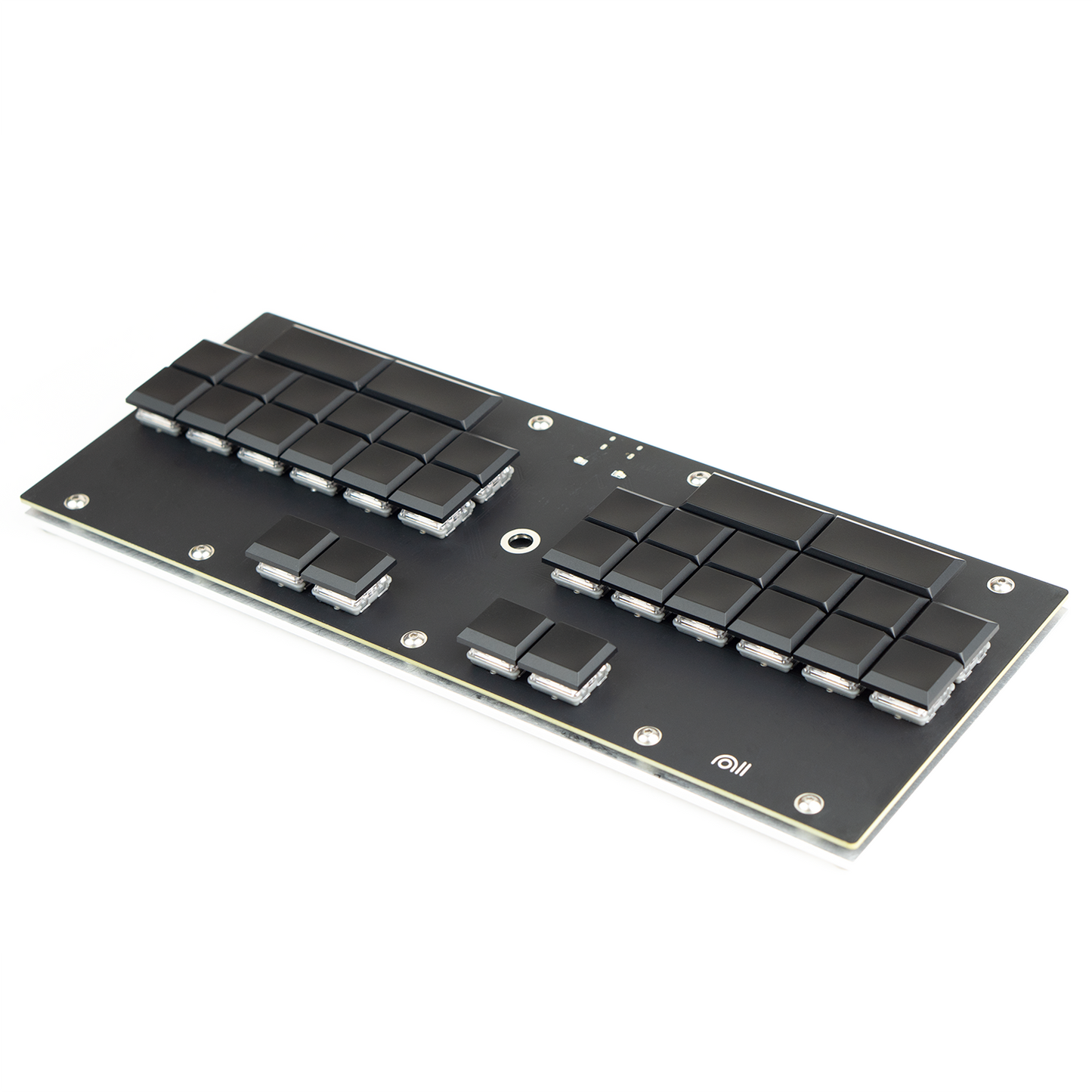
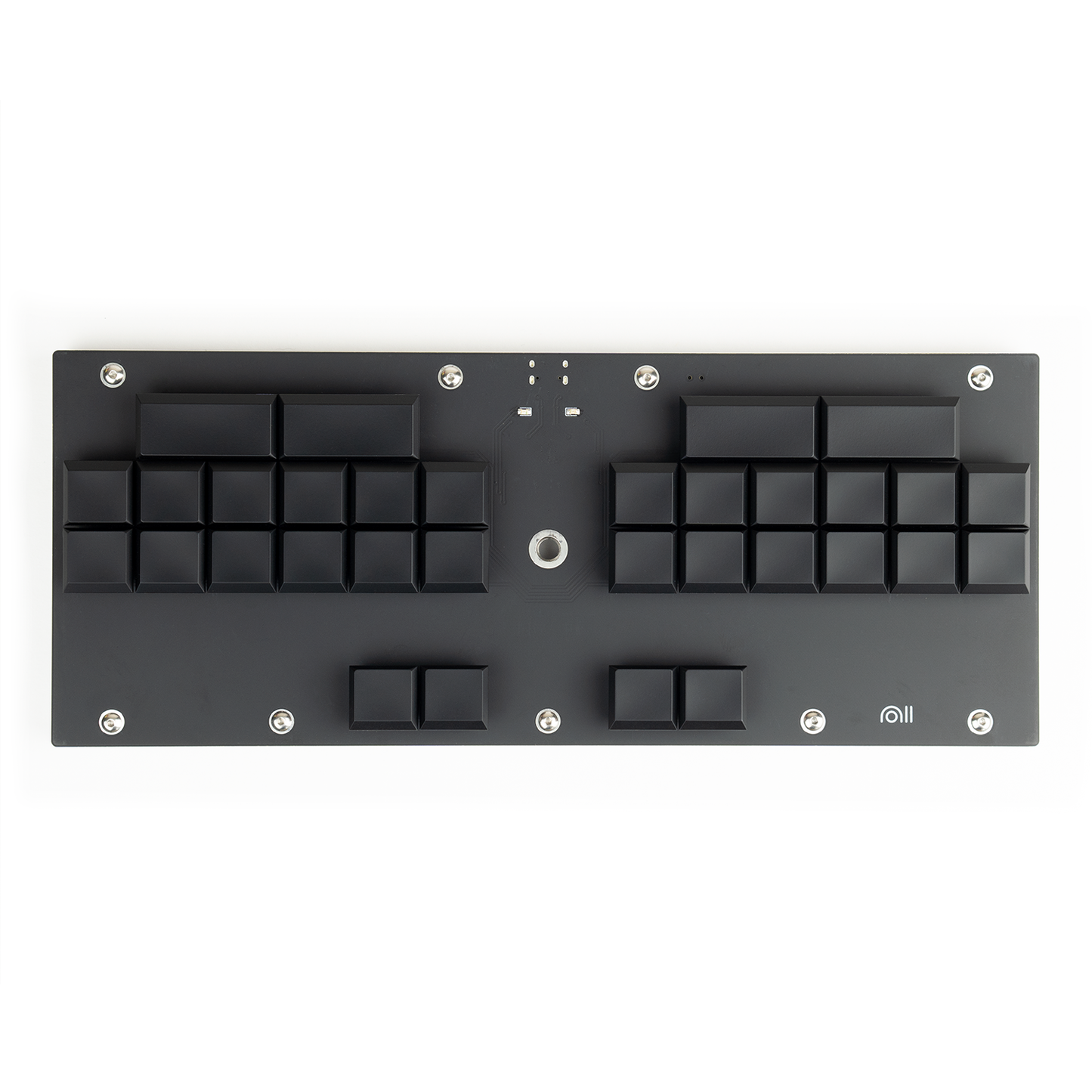
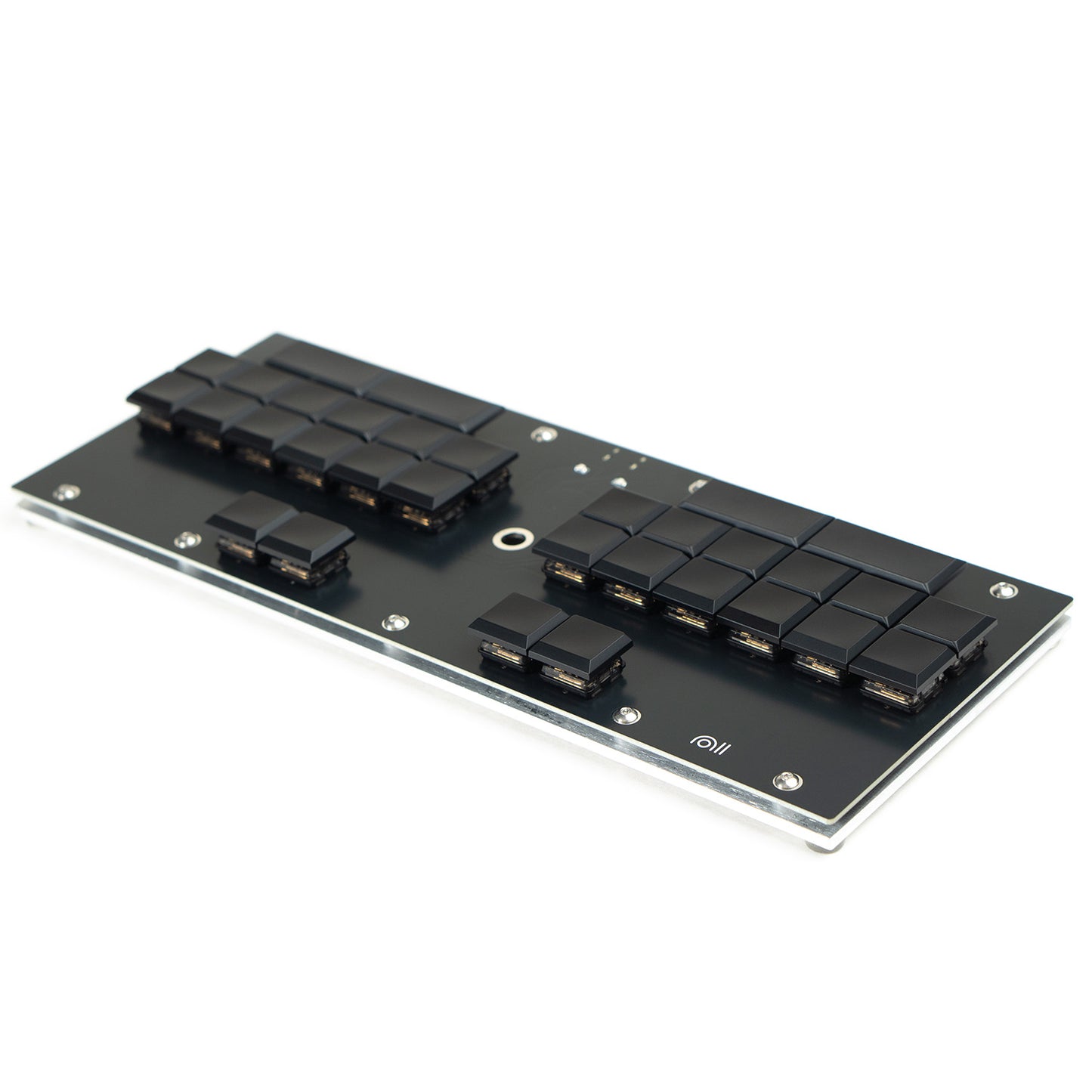
The Ecosteno is an entry-level hobbyist stenography keyboard designed for use with Plover, an open-source stenography engine (part of the Open Steno Project).
6-23-26: We just sold out of Ecostenos, but should have more in stock within 2 months!
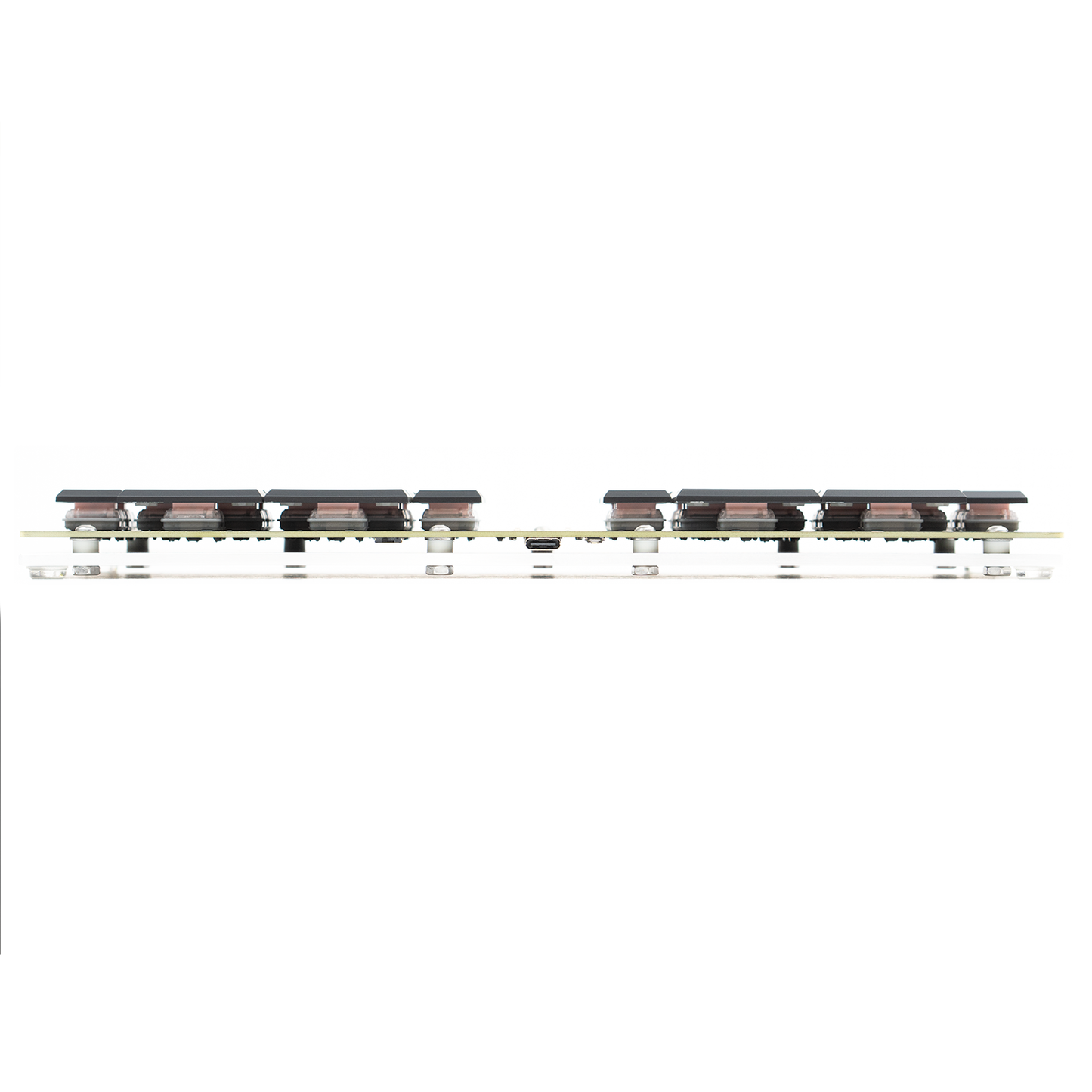
Featuring Kailh Pro Pink linear switches at 20 gram-force (about 20cN) actuation, the Ecosteno offers a light touch desirable for lengthy dictations yet heavy enough to be comfortable for beginner stenographers switching from mechanical keyboards. The switches can be spring-swapped for a lighter (or heavier) touch.
2-10-25: We're now using the RP2040! This platform allows you to install embedded steno with Javelin, but the boards will come pre-flashed to work with QMK.
We also have the Multisteno if you would like some extra keys!
If you're looking for a compatible tripod, this is a cheap portable one that works (though it isn't the sturdiest!) https://amzn.to/4gFNL9D
V2.1.2 and V2.1.3
- We've moved to a RP2040! This allows easier user modification and allows embedded steno (once you flash it from https://lim.au/#/software/javelin-steno !)
- V2.1.3 changes the position of the BOOT pin (for easier programming)
- V2.1.3 also adds the choice of Ambients Silent Choc Switches! These have the same 20g of force as our standard Pro Pink switches, but are much quieter.
Features:
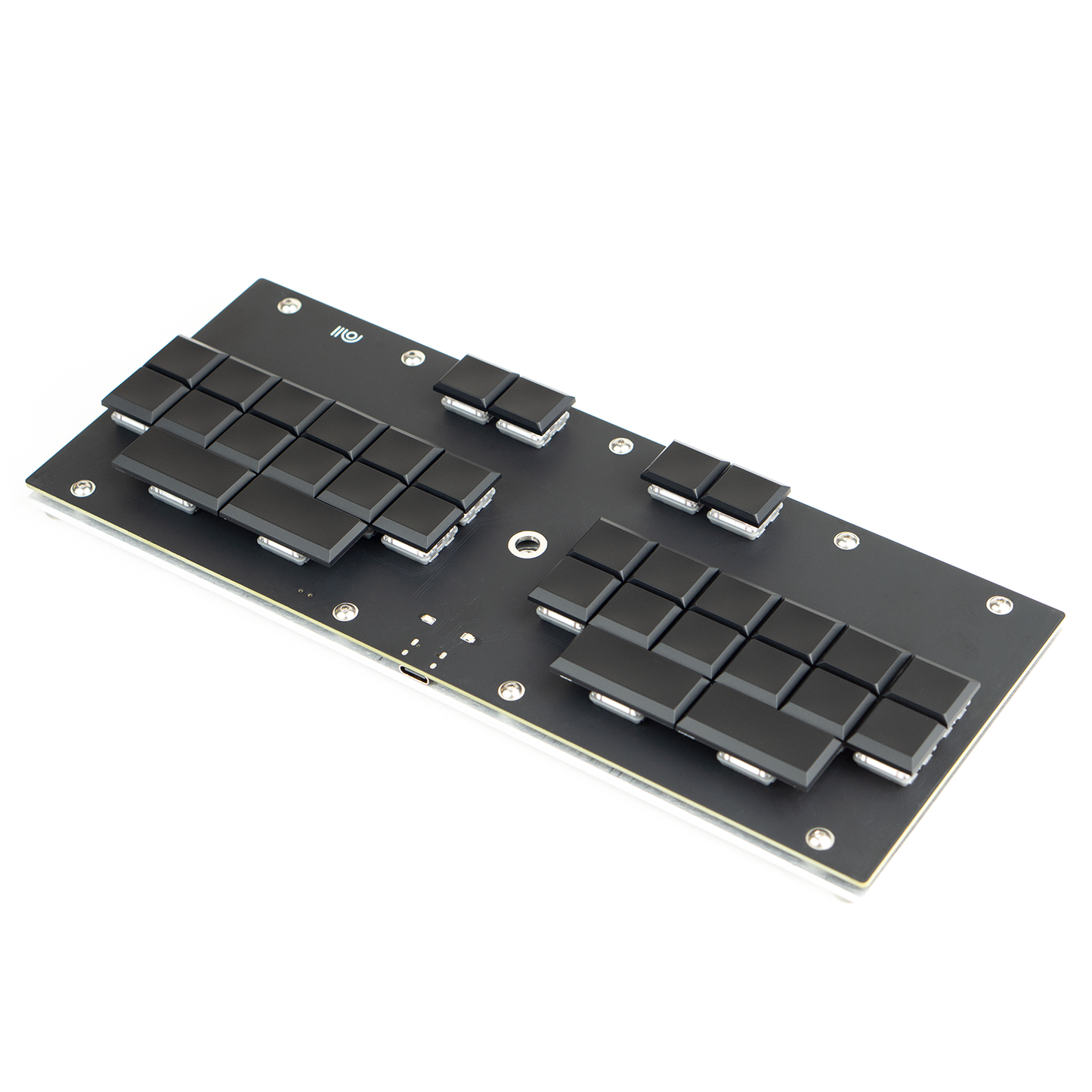
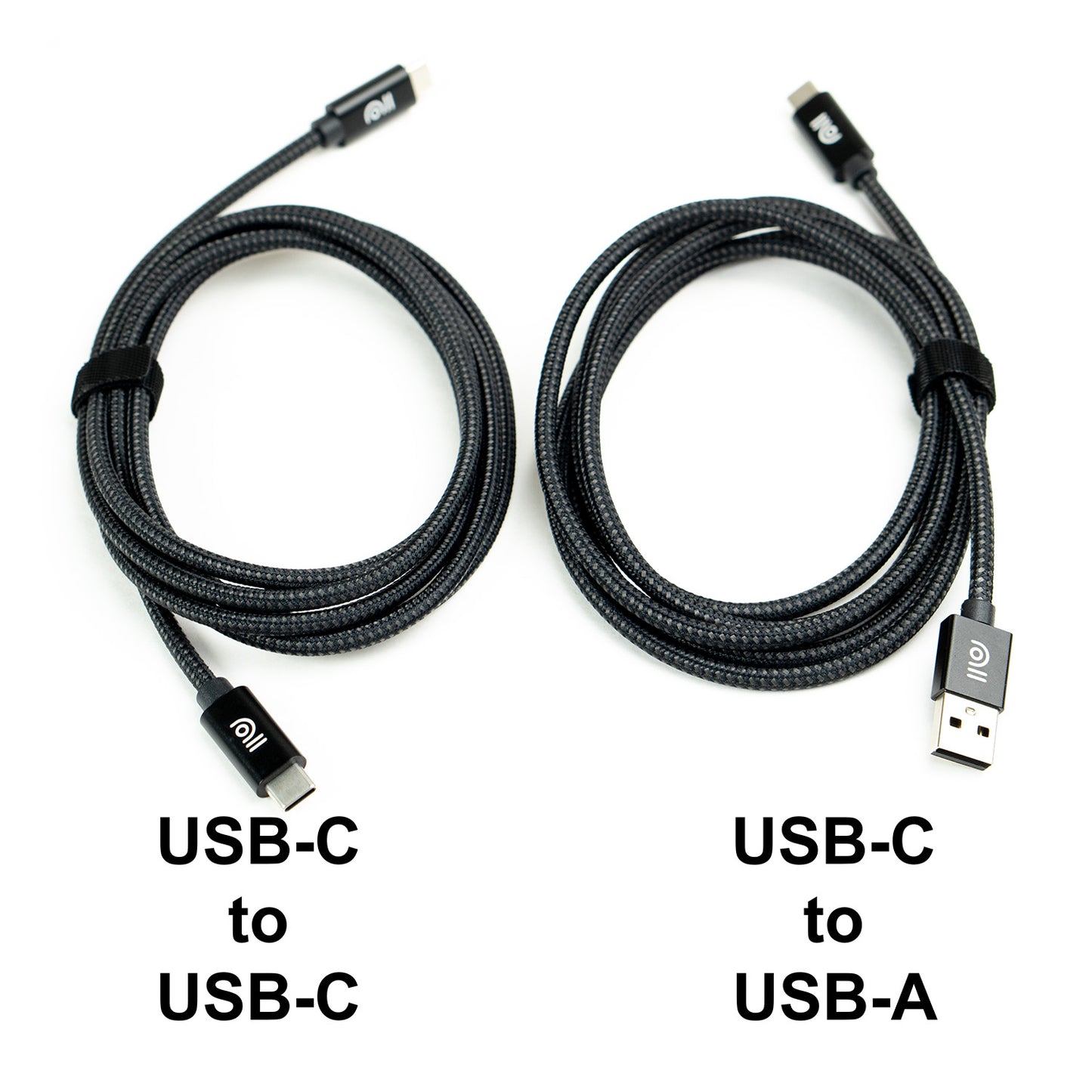
- USB-C connectivity (center top edge of keyboard)
- 20gf linear switches (Kailh Pro Pink)
- 32 keys with 4-segment number bar, split S-, and quad *
- 1/4-20 camera mount
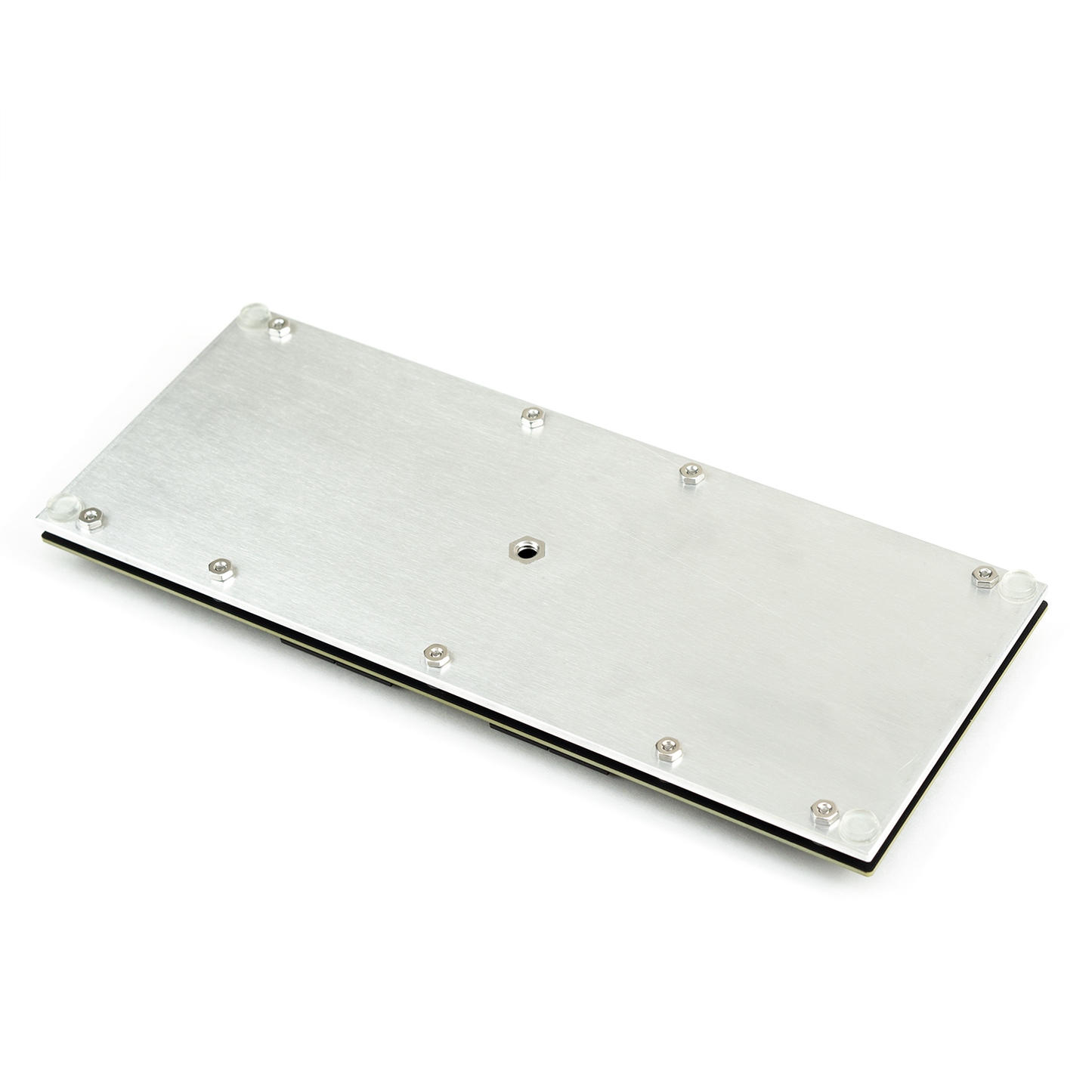
- 1/8″ thick aluminum backplate w/ rubber feet
- 4×10″ footprint, <1″ height
- Gemini PR protocol, NKRO steno, Qwerty mode, and Symbol layers
- 2 indicator LEDs (red & green)
- Reset button for easy reflashing
- Powered by QMK on RP2040
- Lead-free construction
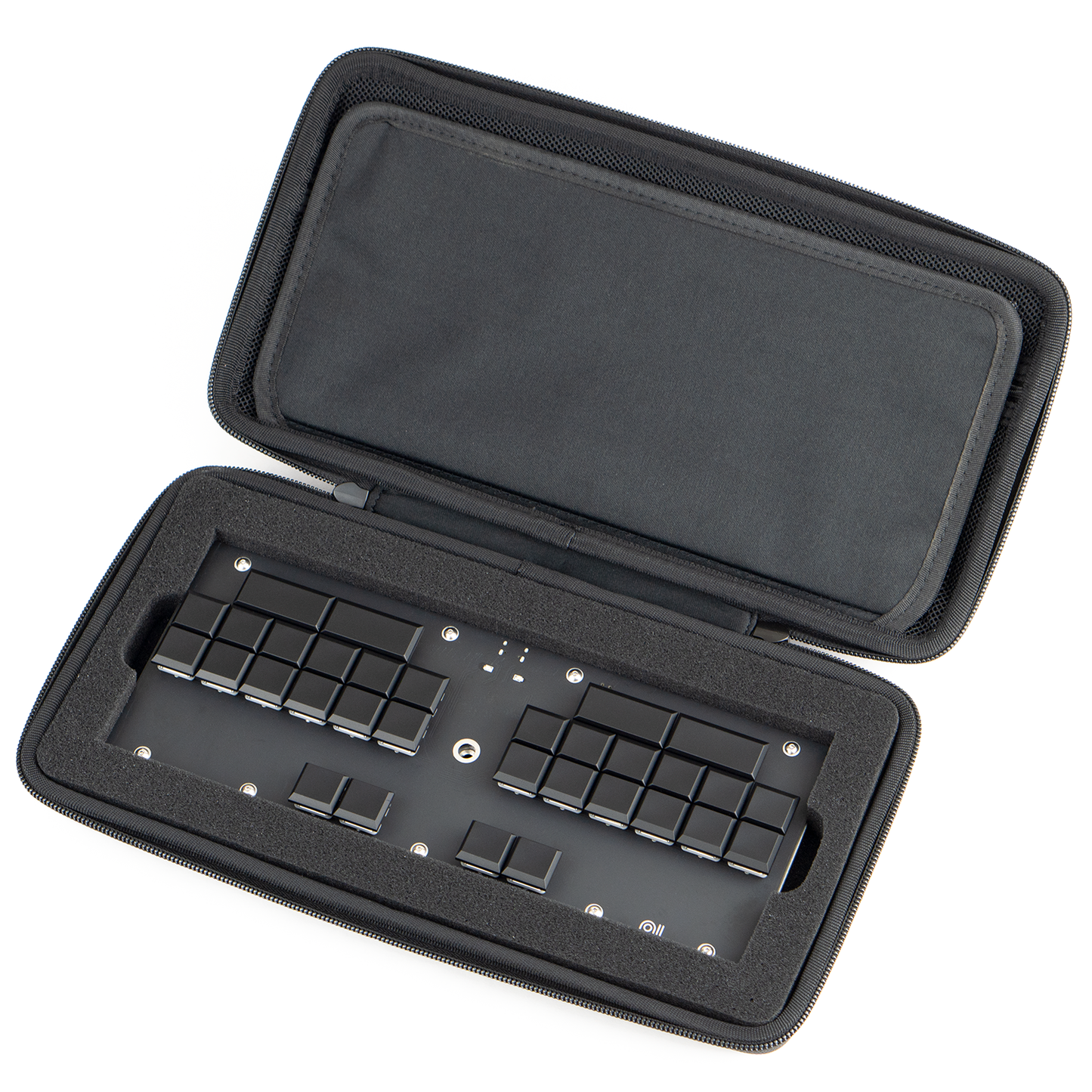
What’s in the box:
Instructions:
Once you plug it in for the first time, Windows will take a few seconds to a minute to automatically install the drivers. During this period, the keyboard may not function correctly.
After this process is complete, it is recommended to unplug and replug the keyboard at least once. Then you should be good to go!
If you want to use Embedded Steno with Javelin, select the Ecosteno on https://lim.au/#/software/javelin-steno , add either Plover or Lapwing dictionaries, and then flash the firmware!
You can flash new firmware by pressing the reset button on the back of the Ecosteno while you plug it in, and then dragging and dropping the .uf2 firmware file into the device called "RPI-RP2"
Plover Serial Port Configuration
v1.0.19 and newer: Gemini PR protocol (9600 baud rate, 8 data bits, 1 stop bit, and parity N).
Here’s a quick video going over the general use of the Ecosteno (pre-v1.0.19).
For v1.0.19 and later, select Gemini PR instead of TX Bolt in “Stenotype Machine”.
Every Ecosteno is made by hand in our workshop,
and as such may contain variation from board
to board such as scratches on the backplate
and other minor cosmetic imperfections.
Share